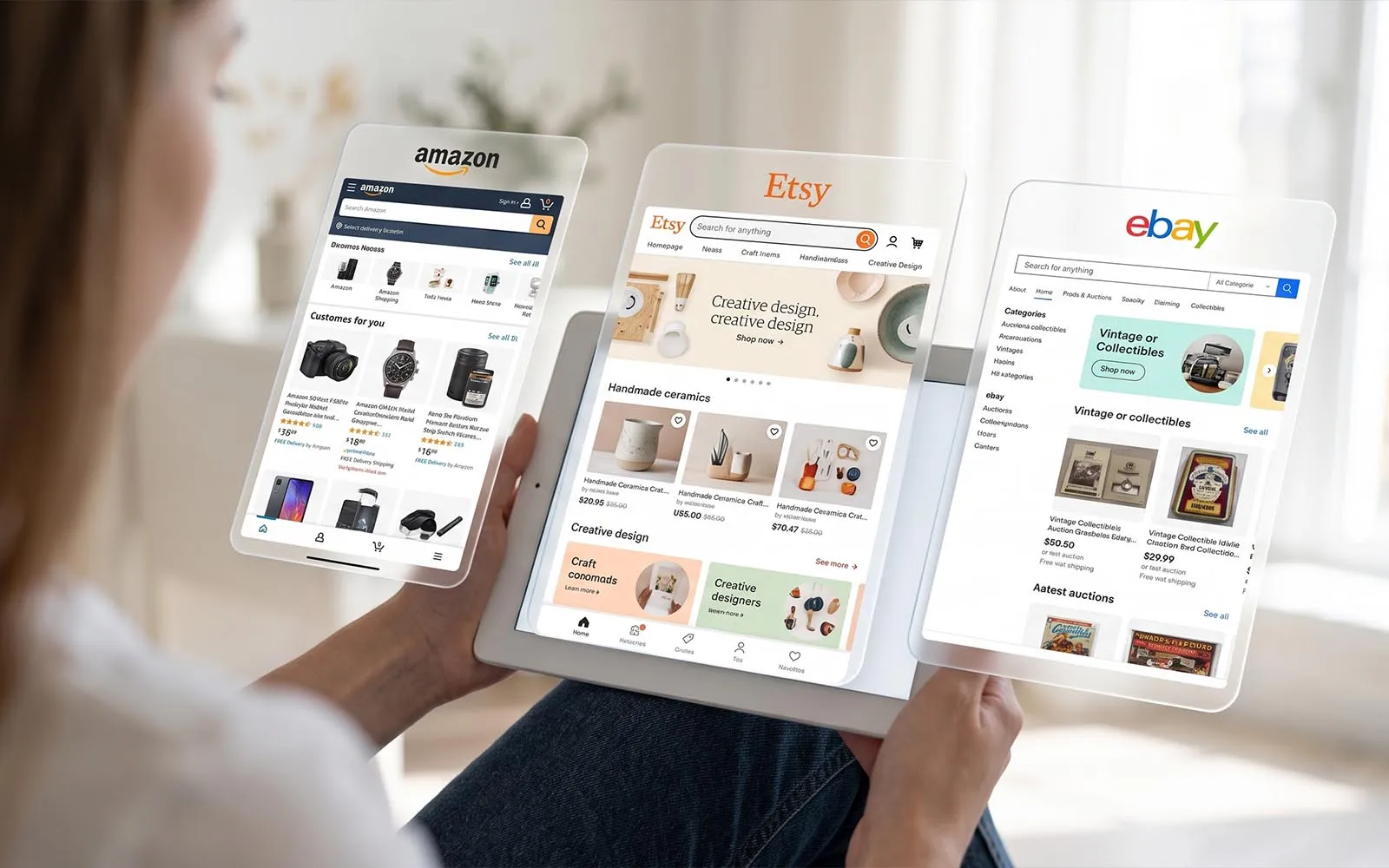
Photography, visuals, words and thoughtful details: how to create a recognisable shop on Etsy, Amazon or eBay.
On a marketplace, your product appears alongside dozens of others. The page layout is largely fixed, listings look similar, and shoppers can move easily from one seller to the next.
Your shop can still have a personality. It comes through in your images, the way you explain your products and the experience you offer.
You do not need a complicated brand identity to get started. A few consistent choices, applied with care, can give your shop a clear visual direction.
Your brand is more than your logo
A logo helps people identify you. But it cannot make your shop recognisable on its own.
Imagine a ceramics shop where some pieces are photographed in natural light and others under strong yellow lighting. Backgrounds change without a clear reason, as does the writing style. Each item may be beautiful, but the collection does not quite feel connected.
Similar lighting, complementary backgrounds and a consistent approach to framing can create continuity, even across very different products.
Start by considering the impression you want to make: warm and handmade, clean and precise, playful and colourful? Those words should guide choices your customers can actually see.
Build consistency without making everything identical
A cohesive shop does not need every image to look the same.
You can mix full product views, close-ups and lifestyle scenes while keeping a few visual cues consistent: soft lighting, a selection of backgrounds or a particular approach to composition.
Etsy specifically suggests using backgrounds that complement one another to create a unified shop appearance.
For an art print seller, that might mean choosing interiors where the artwork feels naturally at home. For a stationery brand, it could mean using materials and props that support the designs without distracting from them.
This was also the starting point for MoMockups, my own mockup business. When I sold printable artwork, I spent a great deal of time searching for scenes that suited my designs. I began creating my own, then offering them to other creatives.
That experience taught me to treat the image as a setting: it should give the product presence while keeping it the main focus.
Your images should answer questions too
An attractive scene can catch someone’s attention. Your potential customer also needs to understand what they are buying.
How big is the item? What does the material look like? What is included? Is it a physical product or a downloadable file?
Each image can serve a purpose:
- a clear view to identify the product;
- a close-up to show a detail or finish;
- a lifestyle image to explain scale and use;
- an informative graphic showing dimensions, variations or package contents, where the platform allows it.
Look back at the questions customers send you. If several people ask whether the props are included or how to use the file, your presentation may need clarification.
A mockup can help someone picture an art print or invitation in use. It should accurately represent the product, and the styling should not create confusion about what the customer will receive.
Adapt your identity to each platform
Keeping your brand consistent does not mean uploading exactly the same visuals everywhere. Each platform has its own formats, tools and rules.
On Etsy, photography provides room to express your visual style. Shop images and product listings should work together, with attention to cropping and readability.
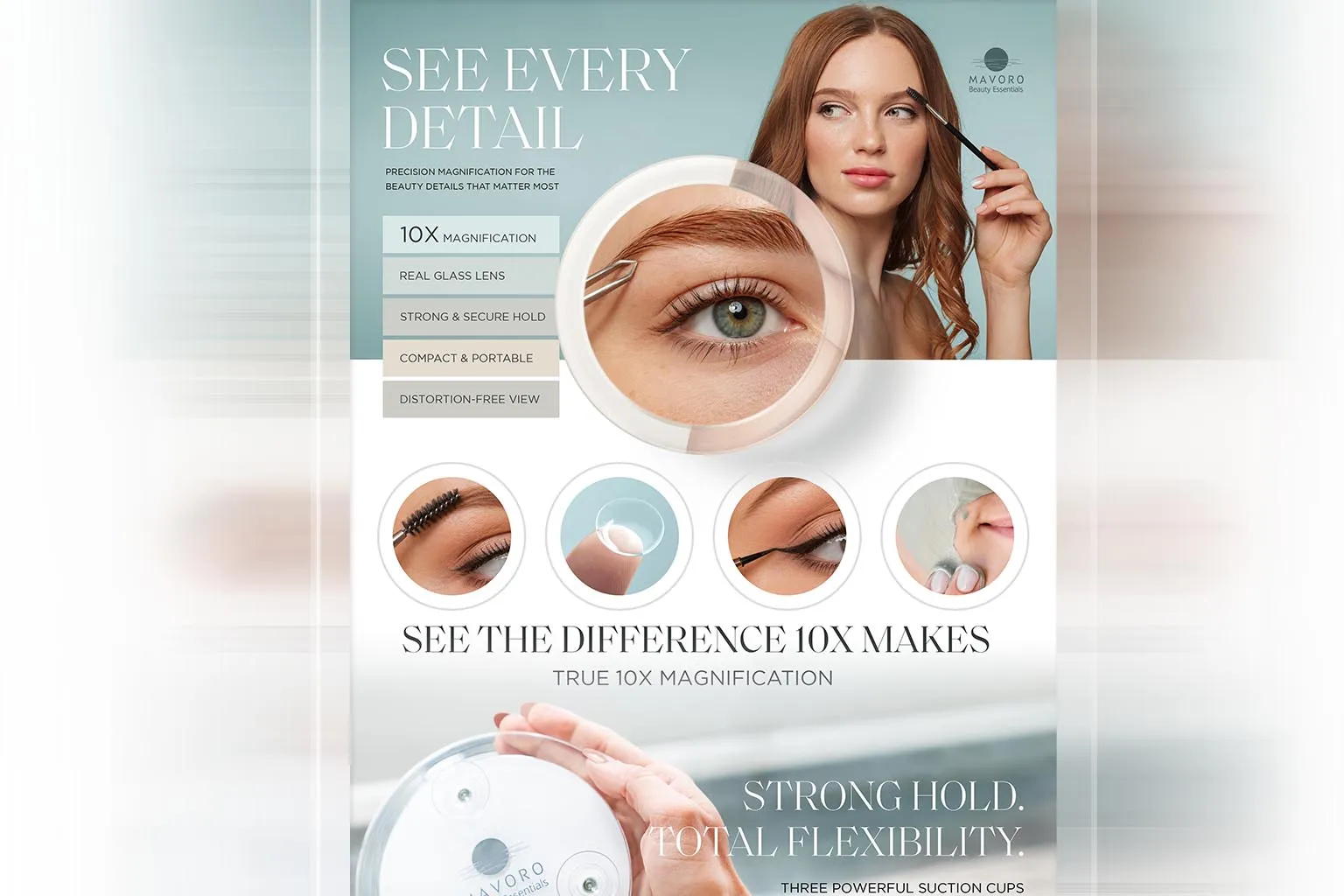
On Amazon, eligible sellers can use A+ Content to enrich product pages with structured images and text. It provides space to explain product features and develop the presentation. Access depends on factors including the seller account and the permissions associated with the brand.
For my Amazon A+ work on a range of mirrors, the project involved visual concepts, image compositions and adaptations for different product versions and languages. The aim was to maintain a consistent presentation while making the variations clear.
On eBay, a Store can be customised with elements such as a logo and banner. These establish visual cues that can carry through into your listings.
Before preparing your images, check the requirements for your platform and category, particularly those covering the main product image.
Use words that sound like your business
Your writing is part of your identity too.
“A quality product, perfect for every occasion” could describe thousands of items. A specific sentence gives customers something more useful:
“A customisable invitation designed for printing at home or through your chosen print shop.”
Your tone might be warm, straightforward or more technical, depending on your business. What matters is consistency and useful information: what you offer, who it is for and what makes it different.
The same care should carry through to descriptions, instructions and customer replies.
The experience continues after the purchase
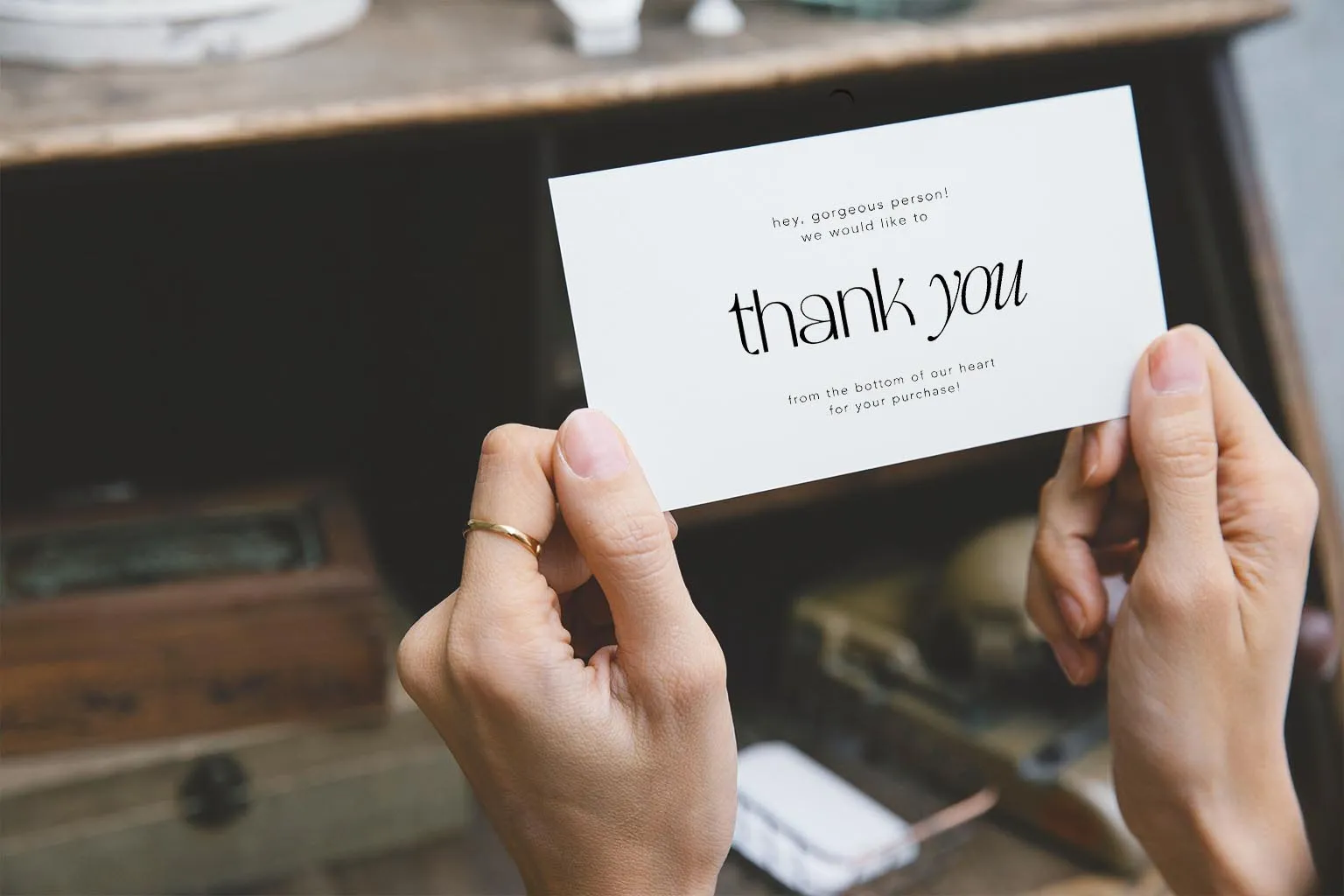
The impression your brand makes continues when the order arrives.
For a physical product, this might mean suitable, carefully prepared packaging, useful instructions or care advice. For a digital product, it could mean clearly named files, organised folders and easy-to-follow guidance.
You do not need to add endless extras. One clear, well-designed document may be more helpful than several cards and messages.
Ask yourself a simple question: does the customer receive the same level of care that the listing suggests?
Where should you start?
Open your shop on your phone and look through a few listings.
Do they feel like they belong to the same brand? Are the products easy to understand? Is the text readable? Can shoppers find answers to the most common questions?
Then choose one improvement: make your main images more consistent, clarify what is included or update your instruction guide. Apply it to a small selection of products before extending it across your shop.
A consistent presentation cannot replace a good product, a relevant offer or reliable service. It helps people see those qualities more clearly.
Your shop uses a platform’s layout. It can still express your own way of doing things.
Would you like a more consistent look for your shop and product visuals? Let’s talk about your project.